The Monato Portal is the web interface for managing your direct debit operations. It is available to all merchants and requires no additional setup beyond your Monato account.
| Section | Capabilities |
|---|---|
| Charges | List, search, and view charge details |
| Instruments | List, search, and view instruments details |
| Batch Upload | Upload CSV files to submit charges in bulk |
| Reports | Generate and download charge status and reconciliation reports |
| Settings | Configure webhook endpoints and manage API keys |
The Portal is available at https://directdebit.monato.com. Log in with your Monato account credentials.
If you forgot your password, or a previous reset code expired, you can request a new one from the login page.
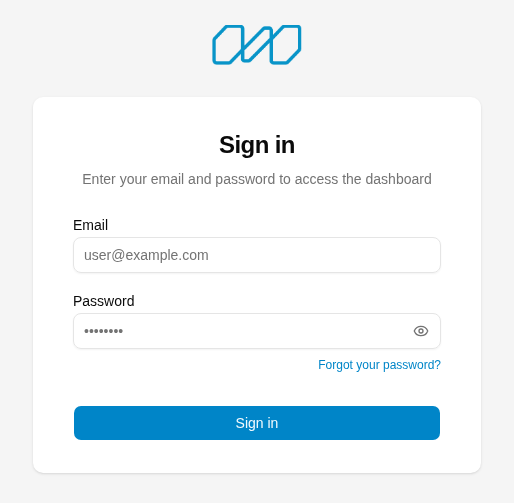
On the login page, click Forgot your password?.
Show screenshot
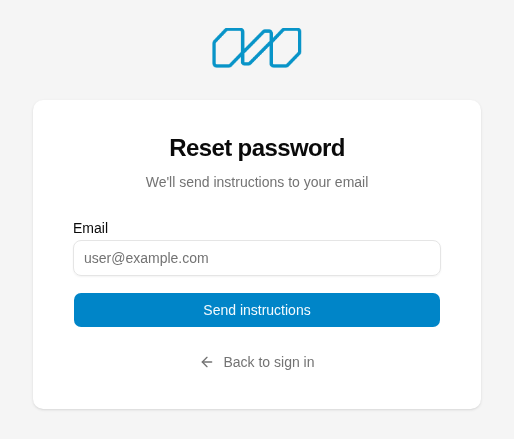
Enter the email address associated with your Monato account and click Send instructions.
Show screenshot
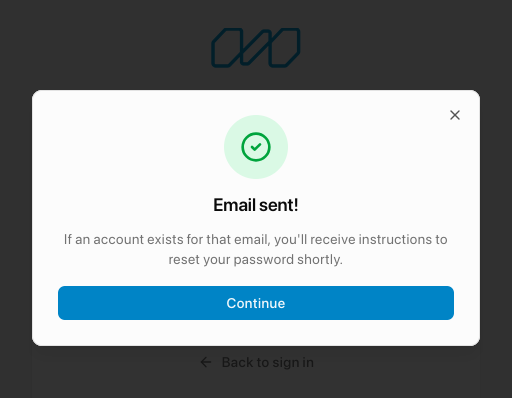
A confirmation dialog appears. Click Continue.
Show screenshot
Check your inbox for an email with a 6-digit verification code. The code is valid for 1 hour.
Show screenshot
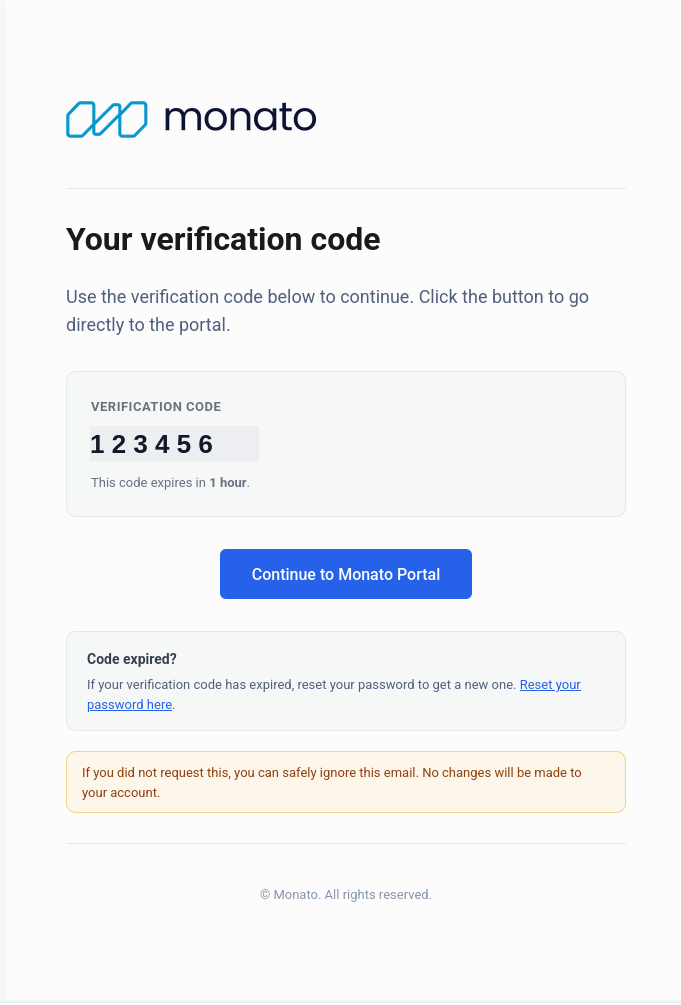
Click Continue to Monato Portal in the email. This opens the New password page, where you enter your email, the verification code, and your new password.
Show screenshot
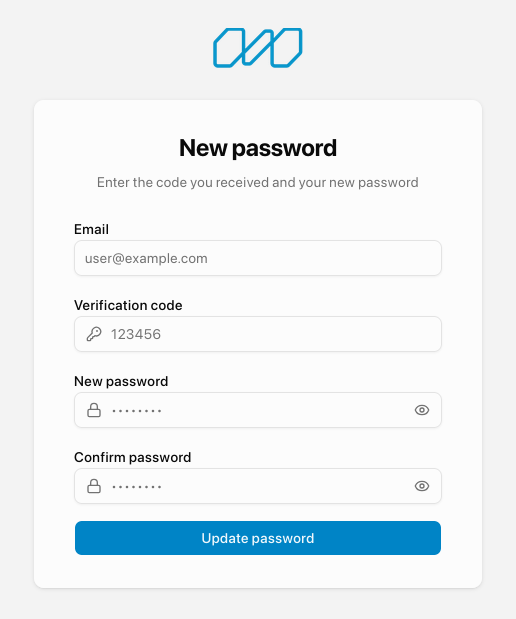
For security, the Portal doesn't reveal whether an email address is registered — the confirmation dialog is shown regardless. If you don't receive the reset email within a few minutes, confirm you entered the address associated with your account and check your spam folder before requesting another code.
Reset codes expire 1 hour after they're sent. If yours expired before you could use it on the New password page:
- Open the reset password email and click Reset your password here (see the email screenshot above), or go back to the login page and click Forgot your password? again.
- Enter your email and click Send instructions to receive a new code.
- Use the new code within 1 hour on the New password page to set your password.
Most operations available in the Portal are also available via the API. Use the Portal for manual workflows, ad-hoc operations, and configuration. Use the API for automated, programmatic integrations.
The Portal is also the only place where you can generate API keys and configure webhook endpoints.